Industrial identification
Serial number plates
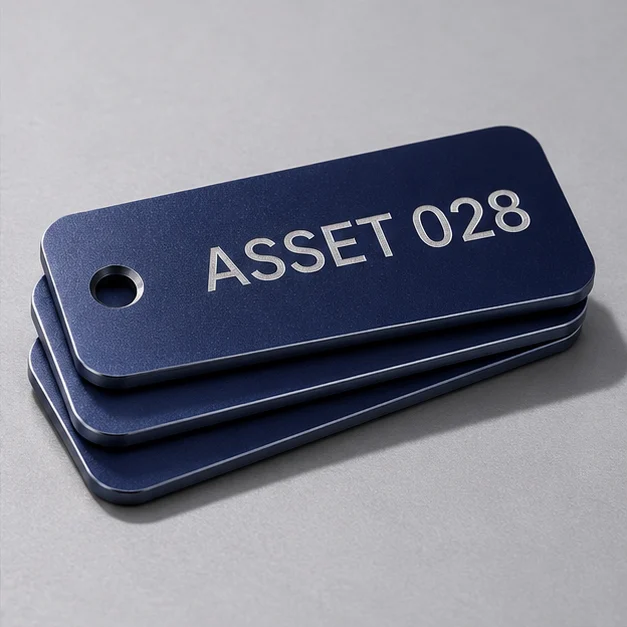
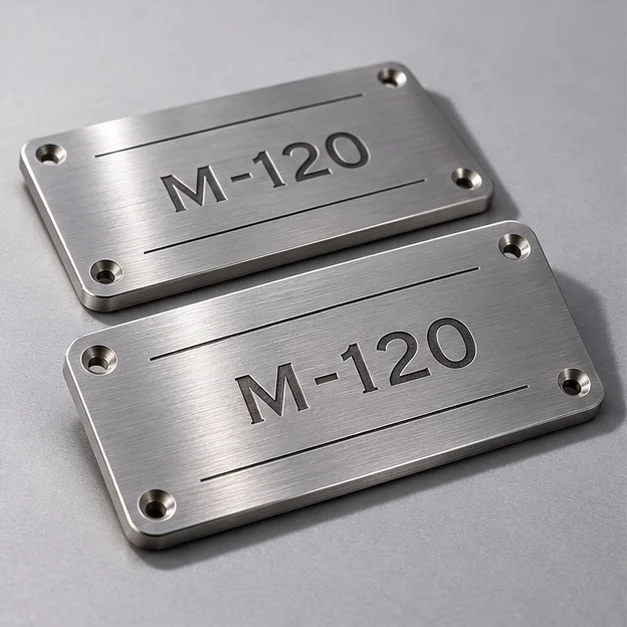
Combine a shared heading with a unique, zero-padded identifier for each unit.
A production row should identify exactly one intended mark, including any leading zeros and punctuation.
Format ID columns as text before entering values. Spreadsheet number formatting can display zeros that are absent from the underlying data. Reopen the exported file and check the first and last IDs.
Use one row per piece and one column per changing field, such as department, serial number and record URL. Keep a master revision and flag intentional duplicates.
Preview the longest record, the first and last sequential entries and any names outside the main script. Reconcile the number of accepted rows with the required quantity.